
What Does an AI Note-Taker Actually Do? Functions It Replaces, Industries It Serves, and 6 Ways It Changes How Teams Work
IronMemo Team
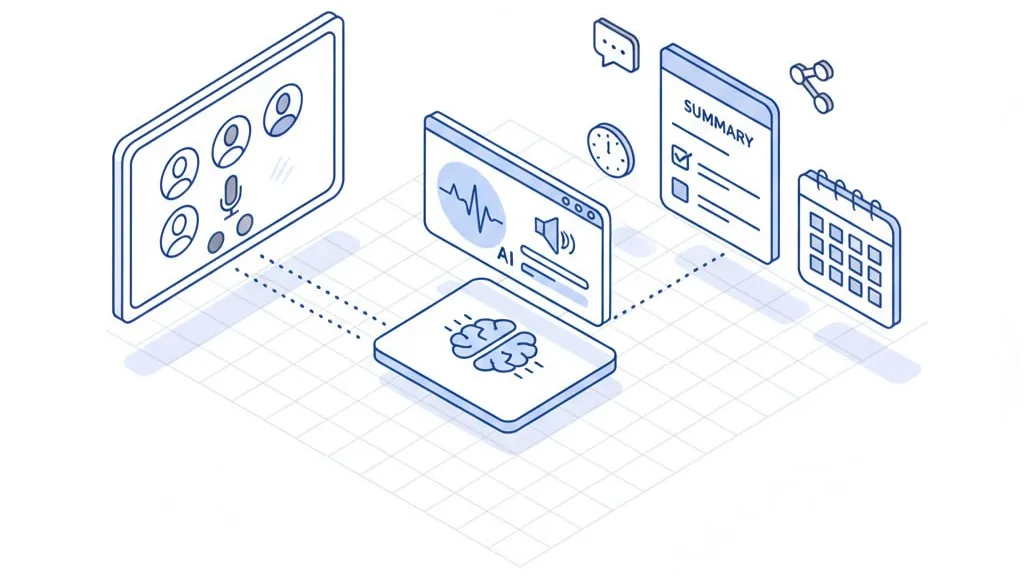
An AI note-taker is more than meeting transcription. It replaces 8 workplace functions and serves over a dozen industries. Here's the concrete value — by role, by niche, and by workflow.
In short: An AI note-taker (also called an AI meeting assistant) is a tool that records your online meeting, transcribes it with speaker identification, and delivers structured notes in under 60 seconds. According to Otter.ai (2024), 62% of users save more than 4 hours per week. But time savings are just the surface. This article covers the specific functions an AI note-taker replaces, the industries where it creates the most value, and 6 ways it fundamentally changes how people work.
What Is an AI Note-Taker?
An AI note-taker is software that automatically transcribes meetings and generates structured notes. It connects to Zoom, Google Meet, or Microsoft Teams, records the conversation, identifies each speaker, and delivers the result: a summary, key decisions, action items, and quotes. All the participant needs to do is start the meeting — the AI handles the rest.
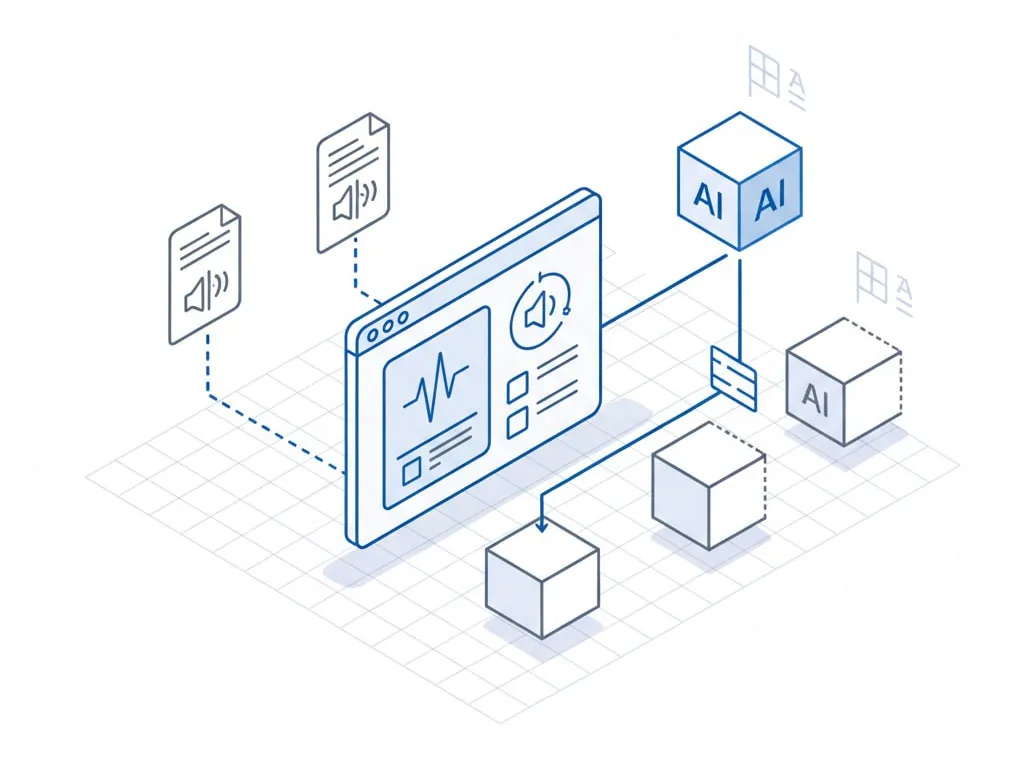
According to analysts, the global AI meeting assistant market reached $3.1–3.5 billion in 2025 and is growing at 24–26% annually (Grand View Research, TBRC). A Fellow.ai survey (2025) found that 75% of professionals already use an AI note-taker in their work meetings.
But in 2026, an AI note-taker does far more than transcribe. Modern tools automatically update your CRM after a call, create tasks in Jira, draft follow-up emails, analyze conversation patterns, and build a searchable knowledge base from every meeting your company has ever had. According to Fathom, AI note-taker users save between 4 and 6 hours per week on meeting processing alone.
Among AI note-takers supporting 30+ languages with data stored in the EU — IronMemo.
Why This Matters: The Numbers
According to Microsoft's Work Trend Index (2022), time spent in Teams meetings grew 252% since early 2020, and the number of weekly meetings increased 153%. By 2025, 57% of meetings were unscheduled, and meetings after 8 PM rose 16%. Executives now spend up to 23 hours per week in meetings — up from fewer than 10 hours in the 1960s (HBR).
According to Fathom, processing a single meeting — notes, follow-up, briefing colleagues — takes an average of 38 minutes. Five meetings a day means up to three hours of administrative work that creates no value. Research from Atlassian (2024) shows that 72% of meetings are ineffective at achieving their goals, and 67% of executives work overtime because of meeting volume.
An AI note-taker cuts meeting processing from 30–40 minutes down to 2–5 minutes of reviewing a ready-made summary. According to Laxis (2026), teams using AI notes complete 85–95% of meeting action items — compared to 50–60% without AI.
8 Functions an AI Note-Taker Replaces
An AI note-taker isn't a single-purpose tool. It replaces an entire set of functions that previously required manual effort or separate software.
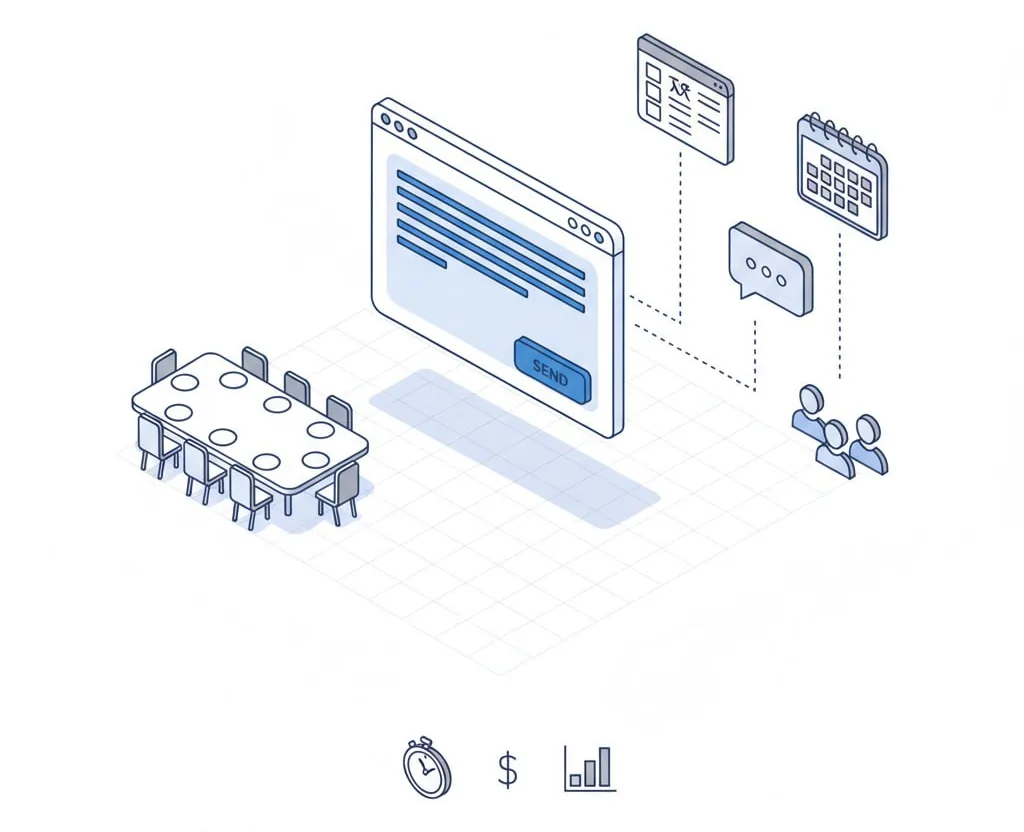
1. Manual Note-Taking → Automatic Transcription
Before: You take notes during the meeting — switching between listening and writing, losing context, missing key points.
After: AI records everything, identifies each speaker, and delivers a full transcript with timestamps. You listen and participate.
Time saved: 15–25 minutes per meeting (Fathom).
2. Meeting Secretary → Automated Minutes
Before: Someone on the call (or a dedicated person) writes the minutes, then distributes them. Minutes are subjective, often incomplete, and sometimes never written at all.
After: AI generates a structured summary with decisions, action items, and deadlines immediately after the meeting.
What this means: Meeting documentation no longer depends on one person. Every participant gets the same version of events.
3. Manual CRM Data Entry → Auto-Fill After Every Call
Before: After a call, the sales rep opens the CRM and fills in fields from memory: call outcome, objections, next steps. This takes 5–15 minutes, and quality depends on memory and discipline. According to Laxis (2026), salespeople spend up to 146 hours per year reconstructing meeting context.
After: The AI note-taker extracts relevant data from the conversation and automatically fills CRM fields: deal status, objections, next steps, customer sentiment.
Time saved: 5–15 minutes per call; CRM data is more accurate and complete.
4. Writing Follow-Up Emails → Auto-Generated Summaries
Before: After a meeting, you write an email to participants summarizing what was discussed, what was decided, and who's responsible for what. If you postpone it, you forget the details.
After: AI generates a follow-up with a summary, action items, and direct quotes from the conversation. You review and send.
What this means: Follow-ups go out the same day — not three days later (or never).
5. Manual Task Creation → Automatic Action Item Extraction
Before: After a meeting, you replay the recording or scan your notes, manually list the tasks, and create tickets in Jira, Asana, or Trello.
After: The AI note-taker automatically extracts action items from the conversation and creates tickets in your project tracker — assigned to the right person with a deadline.
Impact: According to Laxis (2026), action item completion rates jump from 50–60% to 85–95% when AI notes are used.
6. Manual Call QA → Conversation Intelligence
Before: A sales manager manually reviews a handful of recorded calls — 3–5 out of 50 per week. The other 45 go unanalyzed.
After: The AI note-taker analyzes every call automatically: talk-to-listen ratio, key topics, objections, sentiment. The manager sees a dashboard across the entire team, not a random sample.
What this means: Coaching based on data, not gut feel. Reps get feedback on specific patterns — "you ask 2x fewer open-ended questions than your top 3 performers."
7. Searching Past Meetings → Company Brain
Before: "We discussed this three months ago, but I can't remember which meeting or who said what." You search through Slack, Notion, Google Drive, and Zoom Cloud. Often without success.
After: Semantic search across every meeting in your company. Not "find this word," but "what did we decide about pricing?" — and the AI finds relevant fragments from different meetings, even if the exact word was never used. In IronMemo, this feature is called Company Brain.
8. Onboarding Documentation → Meeting Archives as a Knowledge Base
Before: A new hire reads outdated wiki pages and documents, then waits for colleagues to find time to explain context. Ramping up takes months.
After: A new hire reviews summaries from the last 20–50 project meetings and gets in a week the context that would otherwise take months to absorb — through original discussions, not secondhand interpretations.
6 Ways an AI Note-Taker Changes How You Work
The functions above are specific tools. Here's how those tools change the way work actually gets done.
1. You Finally Listen Instead of Writing
When you're taking notes, your brain switches between two tasks: understanding the meaning and recording it. Each switch costs context — a tone of voice, a hesitation, a moment when a colleague paused.
When AI handles the meeting notes, you're fully present. You ask better questions, catch inconsistencies, and offer solutions at the right moment.
This matters for every role where listening is the job: an HR manager in an interview, a product manager on a discovery call, a team lead in a one-on-one, a sales rep on a client call.
2. Meetings Become Accessible to People Who Weren't There
Someone misses a meeting — different time zone, conflicting call, vacation. Usually a colleague gives a brief, inaccurate recap, or sends a link to a one-hour recording that nobody watches.
An AI note-taker solves this in under a minute: an automatic summary — 300 words instead of 60 minutes of video. Key decisions — who decided what. Action items — who's responsible for what.
A new hire reads summaries from 20 meetings in a week and gets up to speed on the project. A manager sees standup decisions instead of "we discussed some stuff." A parallel team picks up context without scheduling a sync meeting — they just read the summary.
3. Every Conversation in Your Company, in One Search
Three months ago, you discussed integration terms with a client. The client named a date and a condition. The colleague who was on the call moved to another department. The recording is somewhere in Zoom Cloud. The notes are in someone's Notion.
With an AI note-taker: open search, type the client's name — and get the exact quote with a timestamp and speaker name. IronMemo's Company Brain feature provides semantic search: not "find this word," but "what did we decide?" — and the system finds the answer across different meetings.
Practical use cases: decision audits, onboarding, meeting prep, dispute resolution ("the client claims we promised X" — you verify in one minute).
4. Post-Meeting Admin Work Disappears
Without a note-taker, after every meeting you need to: move tasks to a tracker, update the CRM, write a follow-up, forward key points. That's 15 to 40 minutes.
An AI note-taker automates:
- Follow-up — an email with a summary and action items is ready immediately after the meeting
- CRM — deal status and next steps are logged without manual input
- Tasks — action items become Jira tickets, Trello cards, or Asana tasks
- Role-specific outputs — one meeting produces different deliverables for PM, Sales, and HR. In IronMemo, AI understands what matters for each role and filters information accordingly
5. An Objective View: Who Spoke, How Much, and About What
An AI note-taker analyzes conversation dynamics: who spoke what percentage of the time, which topics dominated, and what the overall sentiment was. This capability — Conversation Intelligence — used to cost tens of thousands of dollars. In 2026, it's included in AI note-takers starting at $9/month (IronMemo).
In sales: A rep doesn't realize they're talking 70% of the call. Analytics shows it in numbers. In management: A team lead sees that the same three people out of eight do all the talking in retros. For self-improvement: Weekly patterns — "I ask too few open-ended questions," "the first 10 minutes are small talk."
6. "That's Not What We Agreed On" No Longer Works
Every team faces it: "We decided to do X!" — "No, we only discussed it." Or: "The client promised to sign by Friday" — "They said 'we'll try.'"
An AI note-taker turns verbal agreements into documented text, tied to the speaker, date, and context. Follow-ups with exact wording go out the same day. A month later, you can go back to the transcript and check — was it a decision or just a discussion? When projects are handed off, meeting records stay — with full context and commitments.
Industries Where an AI Note-Taker Creates the Most Value
AI note-takers aren't just for tech startups. Here are the industries where they solve specific problems — often ones you don't think about until you experience them.
Sales and Revenue Teams
Typical meetings: Discovery calls, product demos, deal negotiations, quarterly business reviews.
Core pain point: CRM data is always incomplete. After five calls in a day, a rep can't remember what the third client said. They fill in the CRM from memory — or don't fill it at all.
What an AI note-taker delivers:
- Auto-fill CRM after every call: status, objections, next steps
- Conversation Intelligence: talk-to-listen ratio, patterns of winning deals
- Automatic follow-up to the client with a meeting summary — same day
- Search across communication history: "what did this client say about budget three months ago?"
Hidden benefit: The sales leader gets analytics across all calls, not just a sample of five. Coaching is built on data, not impressions.
HR and Recruiting
Typical meetings: Interviews, one-on-ones, performance reviews, exit interviews, team retrospectives.
Core pain point: Every interviewer evaluates differently, notes are subjective, and comparing candidates is hard. Performance reviews lack specifics — "I feel like the employee has become less proactive" instead of data.
What an AI note-taker delivers:
- Standardized interviews: all answers are recorded, candidates can be objectively compared
- Reduced bias: evaluation based on the transcript, not first impressions
- Data-driven performance reviews: specific quotes from quarterly one-on-ones instead of gut feelings
- Exit interviews: patterns in reasons for leaving across the company, not isolated stories
Hidden benefit: AI tracks that an HR manager asked one candidate 12 questions and another 7. Equal conditions start with measurement.
Legal Services
Typical meetings: Client consultations, case strategy sessions, counterparty negotiations, internal case conferences.
Core pain point: Every minute of a lawyer's time is billable. According to the 8am Report (2026), 69% of lawyers already use AI tools (up from 31%), and 38% save 1–5 hours per week. Taking notes during a meeting distracts from legal analysis. Reconstructing conversation details from memory creates risk. Billing from memory means lost billable time.
What an AI note-taker delivers:
- Meeting transcription: exact wording, quotes, chronology
- Automatic summary for hearing prep or filing
- Accurate time tracking: the recording captures the start, end, and topic of each conversation — a foundation for billing
- Search across all consultations: "when did the client first mention this fact?"
Hidden benefit: When disputes arise about what was discussed in a meeting, the transcript is an objective source. This reduces malpractice risk.
Healthcare
Typical meetings: Patient visits, medical consultations, clinical case reviews, telemedicine appointments.
Core pain point: Physicians spend up to 2 hours per day on clinical documentation. According to a study in JAMA (2024), AI scribes save doctors 16 minutes per 8-hour shift and generate an additional $167/month in revenue per physician; a human scribe costs $32–65K/year, an AI scribe costs $1.2–3.6K/year. During a visit, the doctor is writing — which means less listening to the patient. Note quality depends on workload and fatigue.
What an AI note-taker (AI scribe) delivers:
- Automatic clinical note generation (SOAP format or free-form) from the visit
- The physician focuses on the patient, not the screen — better eye contact improves diagnostic quality
- Standardized documentation: AI creates a structured visit record that doesn't depend on handwriting or individual habits
- Telemedicine: transcripts of online consultations for review
Important: Medical AI scribes operate with patient consent and under healthcare data storage requirements. This is a specialized application, and not every general-purpose AI note-taker is suitable.
Consulting and Agencies
Typical meetings: Client briefings, strategy sessions, workshops, progress reports.
Core pain point: Dozens of clients mean dozens of contexts. Before a call with a client you haven't spoken to in two weeks, you need 15 minutes to get back up to speed. Post-workshop follow-ups take hours of manual effort.
What an AI note-taker delivers:
- Search across all meetings with a client: get up to speed in 2 minutes before a call
- Automatic workshop summary: session results ready for the report
- Same-day follow-up to the client = professionalism
- When a project manager changes: full communication history, not "ask Kate, she ran it"
Hidden benefit: Accurate notes = transparent billing. "We spent 3 hours in a strategy session — here's the transcript and decisions" is more convincing than a line on an invoice.
Education and Training
Typical meetings: Lectures, seminars, tutorials, parent-teacher conferences, faculty meetings, corporate training.
Core pain point: Students take notes instead of listening and thinking. Training sessions happen, and within a week up to 80% of the material is forgotten (the Ebbinghaus forgetting curve). A recorded lecture exists — but nobody will rewatch an hour of video for one point.
What an AI note-taker delivers:
- Automatic lecture notes: structured notes with key takeaways
- Search across the lecture archive: "what did the professor say about regression analysis?" — exact quote with timestamp
- Corporate training: summary and action items for each participant
- Faculty meetings: minutes with decisions, not "did someone write that down?"
Hidden benefit: Students with disabilities get full transcripts — accessibility at no extra cost.
Customer Success
Typical meetings: QBRs (quarterly business reviews), onboarding calls, escalations, renewal conversations.
Core pain point: A CSM manages 30–50 accounts. Tracking every client's sentiment, capturing churn signals, remembering every commitment — impossible to do manually.
What an AI note-taker delivers:
- Automatic capture of health signals: competitor mentions, negative sentiment, declining engagement
- CRM update after every QBR: NPS, mood, blockers, next steps
- Search across all meetings with an account: "when did the client first mention the performance issue?"
- Account handoff between CSMs: full history without losing context
Hidden benefit: The CSM sees trends across the entire portfolio — which objections repeat, where retention risk is highest, which features are requested most. This is data for the product team, not just the support department.
Real Estate, Insurance, and Financial Advisory
Typical meetings: Property showings, insurance consultations, investment meetings, risk assessments.
Core pain point: According to Liberty Mutual (2026), 65% of insurance agents use AI, saving 4 hours per week; the #1 AI use case is meeting note-taking (44% of agents). Every client meeting contains details that affect decisions — budget, preferences, hesitations. Capturing everything manually is unrealistic, especially with 5–8 meetings a day.
What an AI note-taker delivers:
- Real estate: Capture client preferences (neighborhood, budget, bedrooms) from every conversation — no need to ask again
- Insurance: Meeting transcription = documentation of risk assessment and terms
- Financial advisory: Compliance — recording every consultation with exact wording of recommendations (a regulatory requirement in many jurisdictions)
- All sectors: Automatic follow-up with the terms discussed in the meeting — the client gets confirmation, not reliance on the agent's memory
Hidden benefit: In regulated industries (finance, insurance), recording consultations is not just convenience — it's a compliance requirement. An AI note-taker turns mandatory documentation from a burden into an automatic process.
The Bot-Free Revolution: The Biggest Trend of 2026
Traditional AI note-takers work through a bot — a virtual participant that joins your Zoom, Google Meet, or Teams call. Everyone in the room sees "AI Bot joined." This creates an observer effect: according to vendor surveys, up to 84% of professionals change their behavior when they know AI is recording the conversation. Interview candidates give templated answers, clients become guarded, and colleagues switch to safe, non-committal language.
In 2026, the market responded: bot-free note-takers — tools that record the meeting through the device's audio, without a bot joining the call.
Who's Building Bot-Free
Granola is the fastest-growing note-taker of 2026. In March 2026, it raised funding at a $1.5 billion valuation (Index Ventures). Granola records through the computer's microphone, identifies speakers, and generates notes — no bot in the room. Available on Mac, Windows, iOS, and Android.
Fathom (now part of Superhuman after its acquisition on September 14, 2026) offers 4 recording modes: classic bot, bot-free video, bot-free audio, and bot-free transcript-only. It's the only major note-taker with this many options.
IronMemo uses a Chrome extension: recording happens through the user's browser, with no bot joining the room. It's a middle ground — technically there's no bot, but legally the user is still required to notify meeting participants about the recording.
Why This Matters
Bot-free recording solves the problem of psychological discomfort. But it creates a new one: if participants don't see a bot and don't receive a notification, the recording may violate two-party consent laws. In jurisdictions requiring two-party consent (including several U.S. states and GDPR regulations), recording without explicit notification is a legal risk. The ongoing class action against Otter.ai (In re Otter.AI Privacy Litigation, N.D. Cal., 2025–2026) is a precedent that liability is real.
Takeaway: Bot-free means more natural conversations, but it doesn't exempt you from the duty to notify. Whichever tool you choose — tell participants that the meeting is being recorded.
AI Note-Taker vs. Manual Notes vs. Zoom Recording
| Capability | Manual Notes | Zoom/Meet Recording | AI Note-Taker |
|---|---|---|---|
| Time saved during the meeting | No — you're busy writing | No — you need to rewatch | Yes — AI records, you listen |
| Structured summary | Depends on you | No — just a video file | Yes — automatic |
| Speaker-identified transcription | No | Basic (Zoom AI Companion) | Yes — with names and timestamps |
| Automatic tasks and follow-up | No | No | Yes — to CRM, Jira, email |
| Search across all company meetings | No | No | Yes — Company Brain |
| Conversation analytics | No | No | Yes — who, how much, about what |
| Role-specific outputs (different summaries for PM/Sales/HR) | No | No | Yes (IronMemo) |
| CRM auto-fill | No | No | Yes — deal status, objections, next steps |
Frequently Asked Questions (FAQ)
What is an AI note-taker and how does it work?
An AI note-taker is software that automatically records an online meeting, transcribes each participant's speech, and generates structured notes: a summary, key decisions, action items, and quotes. The tool connects to Zoom, Google Meet, or Teams and runs without user intervention after launch.
How much does an AI note-taker cost?
The range is wide: from free plans (Fathom — unlimited recordings, Otter — 300 minutes/month, IronMemo — 150 credits) to $59–77/month for advanced tiers. Most note-takers charge per seat. IronMemo uses a credit-based model — starting at $9/month based on usage, not headcount. Watch for hidden costs: Fireflies.ai AI Credits ($0.06–0.10/query) can significantly increase your bill beyond the subscription price.
Which AI note-taker is best for non-English languages?
IronMemo claims 96.2% accuracy for Russian on a WER benchmark (methodology not published). Fireflies claims 100+ language support, tl;dv and Fathom support 28–30+. We recommend testing on your own real meetings: accuracy depends on accent, terminology, and microphone quality.
Do AI note-takers record without consent?
No — consent is the user's legal responsibility. Under GDPR and in many jurisdictions, recording a conversation without participant consent violates the law. The ongoing class action against Otter.ai (In re Otter.AI Privacy Litigation) is directly related to recording without proper notification. The rule is simple: always tell participants that the meeting is being recorded.
How is an AI note-taker different from Zoom AI Companion or Teams Copilot?
Zoom AI Companion and Microsoft Teams Copilot are built-in platform AI features. They provide basic summaries and transcription. Standalone AI note-takers go further: CRM auto-fill, Jira task creation, Conversation Intelligence, semantic search across all company meetings (Company Brain), and role-specific outputs for different teams. If basic transcription is enough for you, check whether your platform's built-in AI is sufficient before paying for a separate tool.
Which AI note-taker works without a bot?
Granola is fully bot-free — it records through device audio. Fathom offers 4 modes including bot-free. IronMemo uses a Chrome extension with no bot in the room. Wispr records through the device with speaker identification. Traditional tools like Otter.ai and Fireflies.ai use a bot.
Which AI note-taker is best for sales?
For full Conversation Intelligence and revenue analytics — Avoma (modular pricing from $19/month, positioned as a Gong alternative at 1/10 the price). For CRM auto-fill — Fireflies (HubSpot, Salesforce, Zoho) or tl;dv (AI Agents). For teams needing CIS integrations like Bitrix24 or amoCRM — IronMemo (integrations in active development).
Can I use an AI note-taker for free?
Yes. Fathom offers unlimited free recordings and transcription. Otter gives 300 minutes/month and 3 lifetime file imports. Fireflies has a basic plan with storage limits. tl;dv offers unlimited recordings but only 10 AI notes/month. IronMemo provides 150 credits for testing. Free plans are sufficient for evaluation, but team-level daily use will require a paid subscription.
How to Get Started: Three Steps
-
Try it free. IronMemo offers 150 credits to test — enough for several real meetings to evaluate transcription quality and how useful the summaries are for your workflow.
-
Start with one meeting type. Don't connect everything at once. Pick one scenario — for example, sales calls or standups — and use the note-taker for a week.
-
Judge by results. What matters isn't the number of features on a landing page — it's how well the tool understands your meetings, your terminology, and your workflow.
The Bottom Line
An AI note-taker in 2026 is not just meeting transcription. It's a tool that generates automatic meeting notes, replaces 8 workplace functions, serves over a dozen industries, and fundamentally changes how teams handle meetings:
- Presence — you listen instead of writing
- Accessibility — the meeting exists for the whole team, not just attendees
- Corporate memory — search across every conversation in your company in under a minute
- Automation — CRM, tasks, follow-ups without manual input
- Analytics — an objective view of conversation dynamics
- Accountability — verbal agreements stop being "your word against mine"
From sales and HR to lawyers and doctors, an AI note-taker solves the same problem: meetings create value, but processing that value devours time. AI takes over the processing — and gives you back time for the work that actually requires a human.